 LATW AI Translation for Polylang
Best Polylang
AI translation add-on
Bring your own API key - OpenAI, Anthropic Claude, Gemini, DeepL and more. Every job runs server-side in the background, Elementor pages are translated field by field, and nothing is guessed about what counts as text.

 Gutenberg




Seven translation engines, one plugin
Each engine keeps its own API key and its own model, so switching back and forth costs you nothing. Pick the best engine for each language, budget or deadline - MyMemory even runs FREE without an API key.

OpenAI

Anthropic (Claude)

Google Gemini

DeepL

Google Translate

MyMemory
Custom endpoint
MCP: translate straight from your chat with Claude or ChatGPT
Connect your site once, then just ask the assistant you already pay for to translate a post, a page or a product. It reads the content through WPML, translates it, and writes the translation back.
No API key, no second bill
Translation runs inside the Claude or ChatGPT subscription you already have. Nothing is charged per token on top of it.
Conversation, not a settings panel
Ask for one post or a whole category, fix a term, redo a paragraph in a different tone. The context stays in the chat.
Written back into Polylang
Translations are published straight away as Polylang-linked posts, with the original structure, blocks and internal links intact. Slugs can be translated too.
What it does, and how
Everything here ships today - no roadmap items on this list.
Polylang decides what's translatable, not us
On Polylang Pro we call Polylang's own export services - the machinery behind its XLIFF export - and hand the result back to its translation model, which builds the target post, links it and syncs taxonomies. On free Polylang the same rules run through our own walker.
130 widget types, field by field
Repeaters, dynamic tags and v3 atomic elements included. Layout settings never reach the model, so they cannot come back changed.
Queue it, then close the laptop
Every job runs on your server. Lose your wifi and the run carries on where it left off - no tokens burned on a batch that died halfway.
Everything it touches
Whatever Polylang is configured to translate - rebuilt from the original, never from a copy.
Newest models, every engine
Balance quality against cost per run - whichever engine you pick.
Publish it, and it translates itself
Turn it on for the post types and languages you choose. No button to press - new content is queued the moment it goes live.
Translate from a chat with Claude or ChatGPT
Connect your site once. No API key, no per-token bill - the assistant writes the translation and the plugin publishes it.
Glossary
Pin brand terms and product names once - applied to every translation.
Context & custom prompt
Describe your site and tone, or replace the system prompt entirely.
Outdated-translation flags
Edited the original? Every stale language is marked for a one-tick re-run.
History, tokens and cost
Every job with its status and what it spent. Technical logs stay on your server.
Your own API key
Content goes straight from your server to the engine you picked - never through ours.
Custom endpoint
Point it at your own model or any OpenAI-compatible API - a server you run, or a gateway like OpenRouter or Groq.
What it actually costs
No credits, no per-word pricing, no character caps. You pay OpenAI for the tokens you use. Move the sliders to estimate yours.
Estimate only. MCP translation runs inside your Claude or ChatGPT subscription, so it adds no API cost (Pro feature). Assumes ~3,000 words per article, input tokens at 2x word count and output tokens at 1x word count, priced at GPT-5.4 Nano rates ($0.20 per 1M input tokens, $1.25 per 1M output tokens), multiplied by the number of target languages. Your actual cost depends on your content, the engine you choose and its pricing at the time of use. The plugin licence is separate.
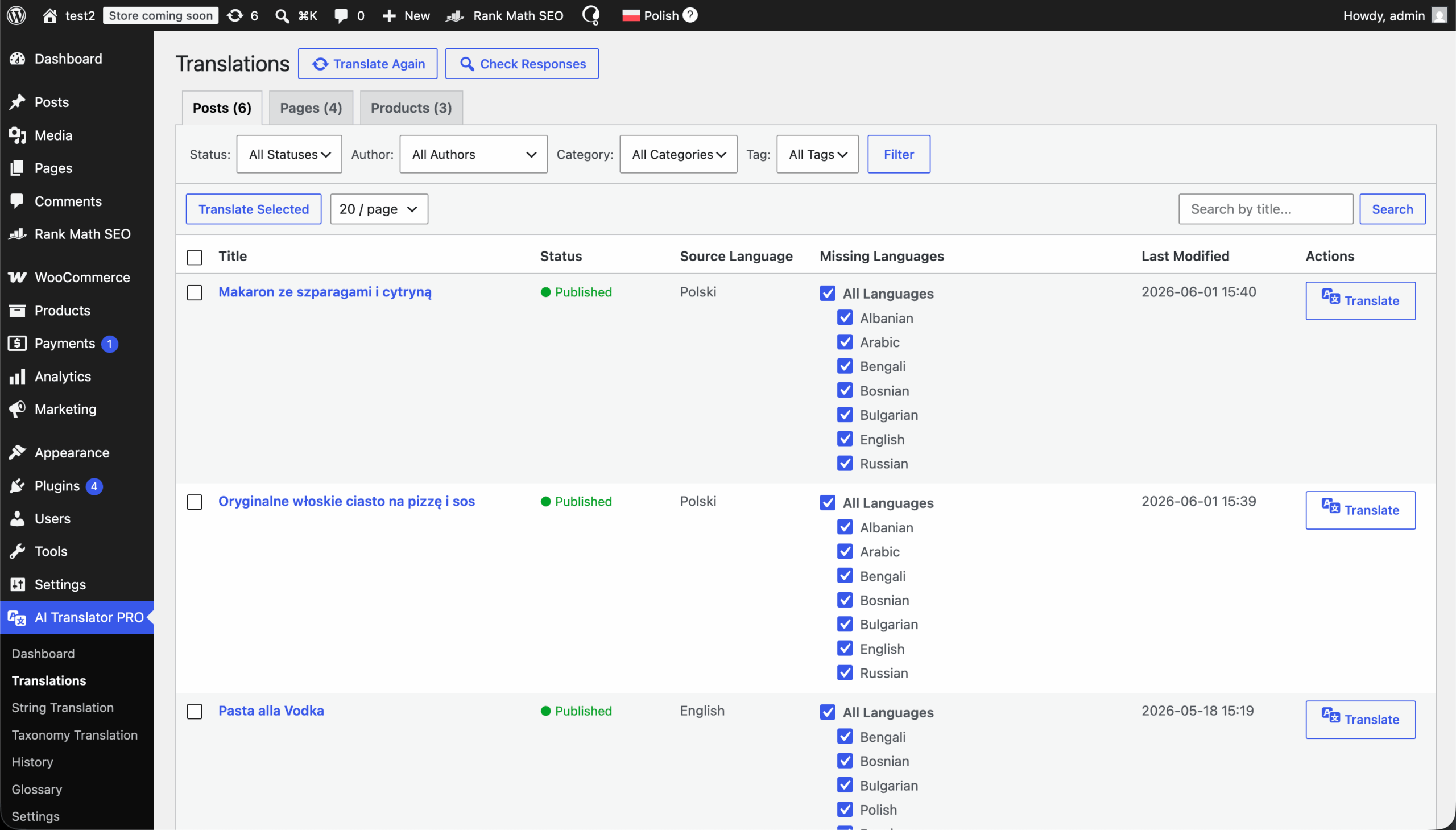
Four simple steps to start
Start translating immediately without unnecessary configuration.
Get pluginInstall & activate
Upload the .zip in Plugins > Add New on a site that already runs Polylang or Polylang Pro.
Pick an engine & add your key
Choose OpenAI, Anthropic, Gemini, DeepL, Google Translate, MyMemory or a Custom endpoint, paste that engine's key, pick a model and choose which target languages you want. MyMemory needs no key at all.
Add website context (optional)
Describe what your website is about, your tone of voice and any terms the glossary should pin.
Enter License Key
Navigate to the plugin Settings > API Key and paste your license key from this dashboard.
Translate
Select content and submit for translation.
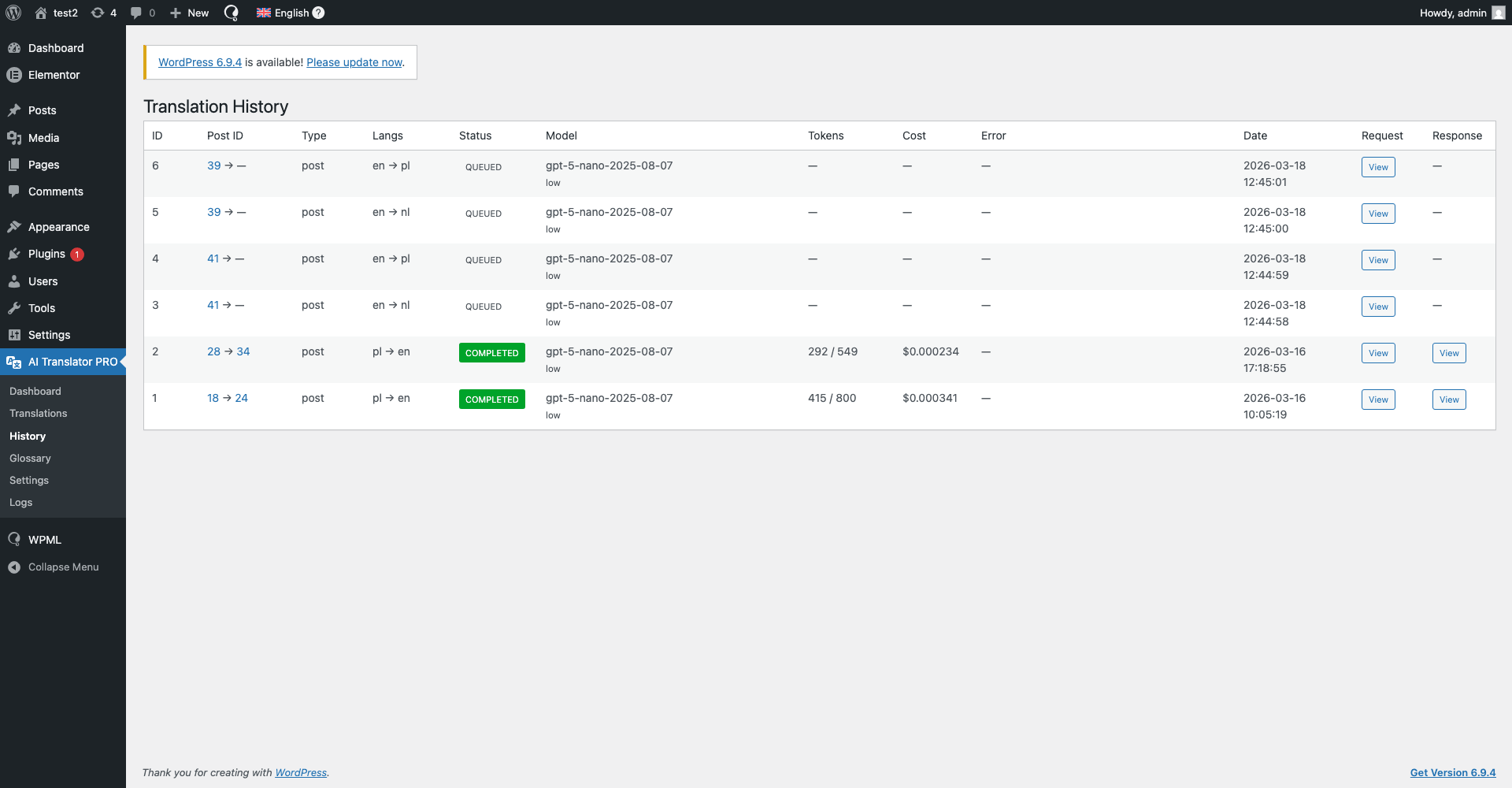
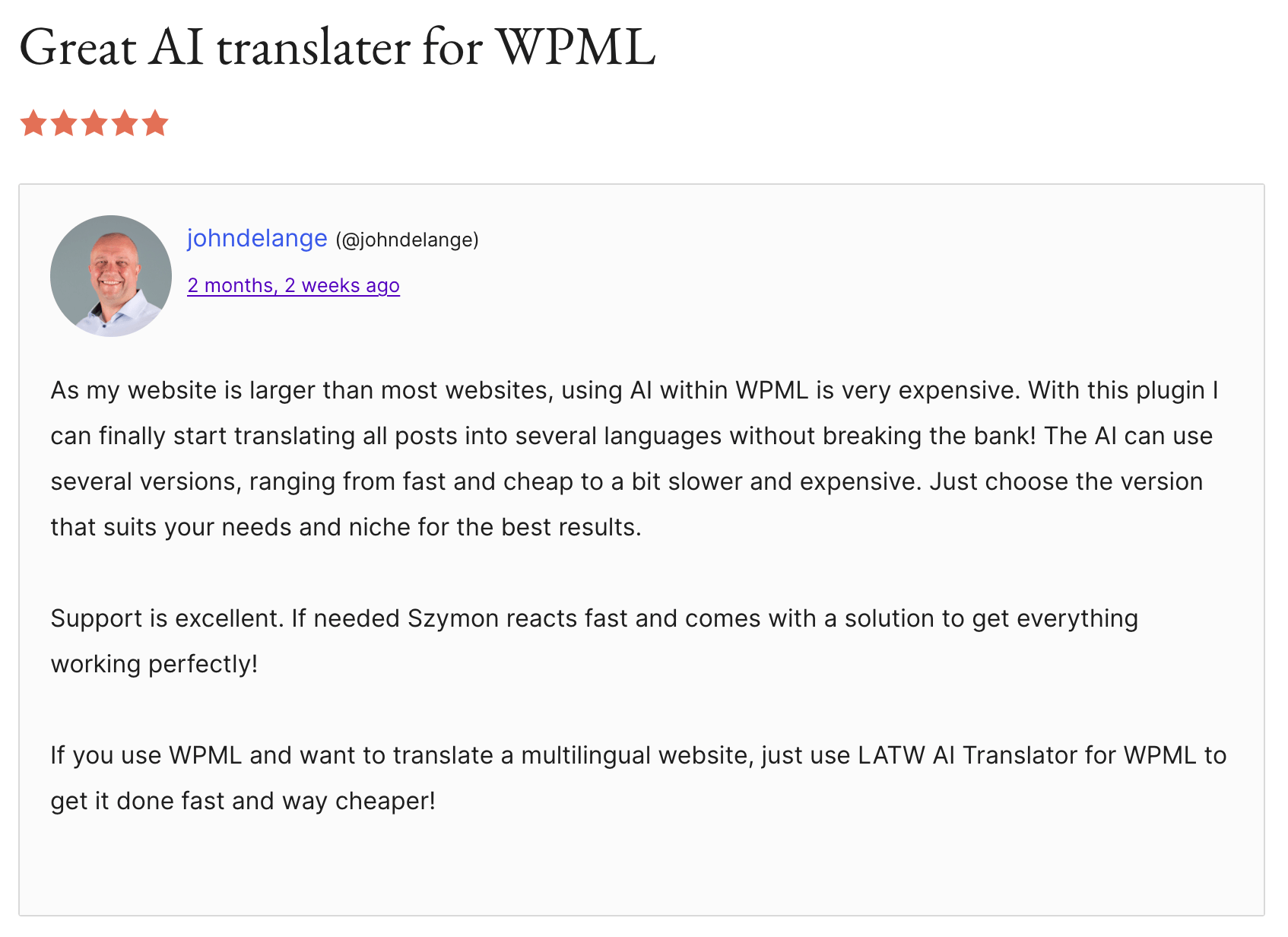
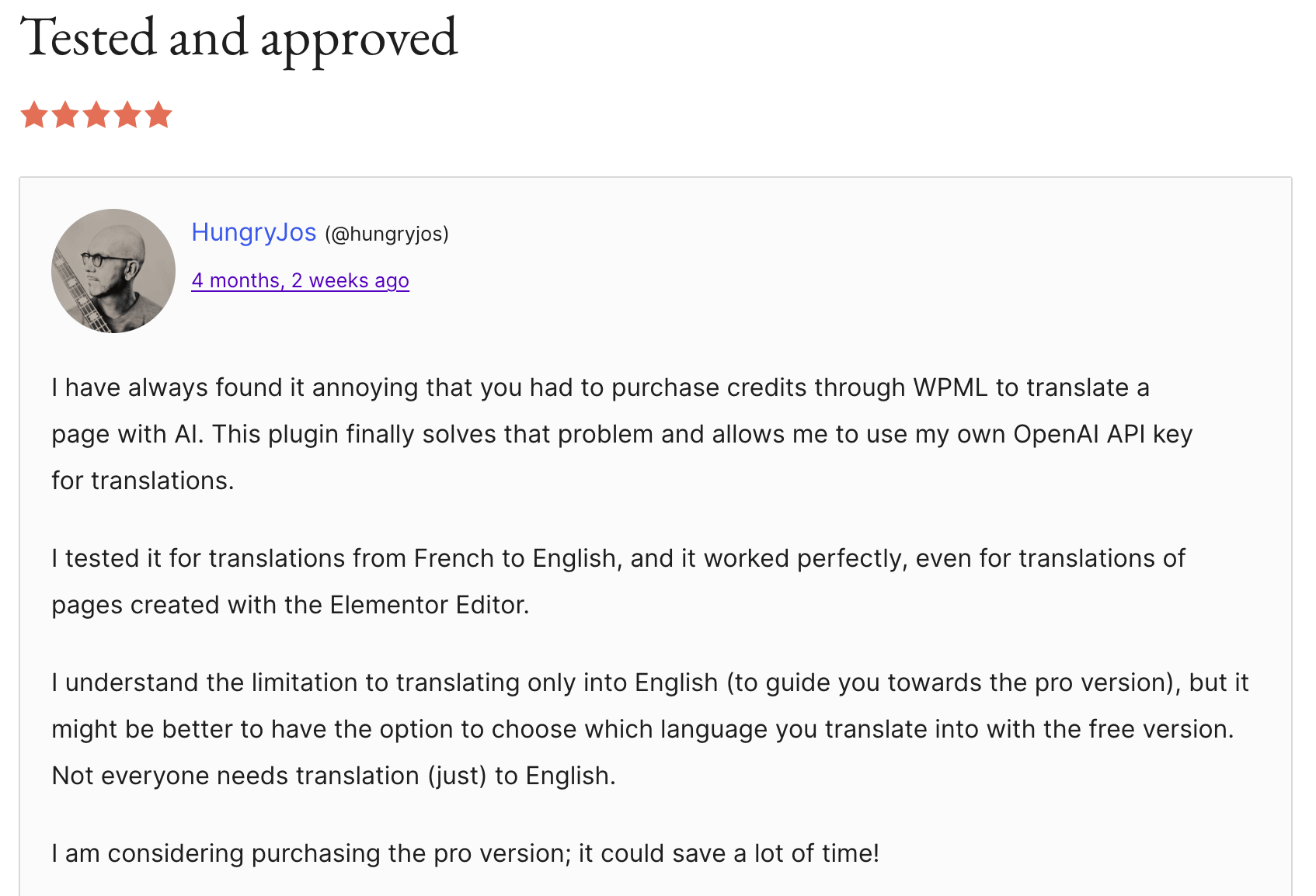
Loved by developers and site owners
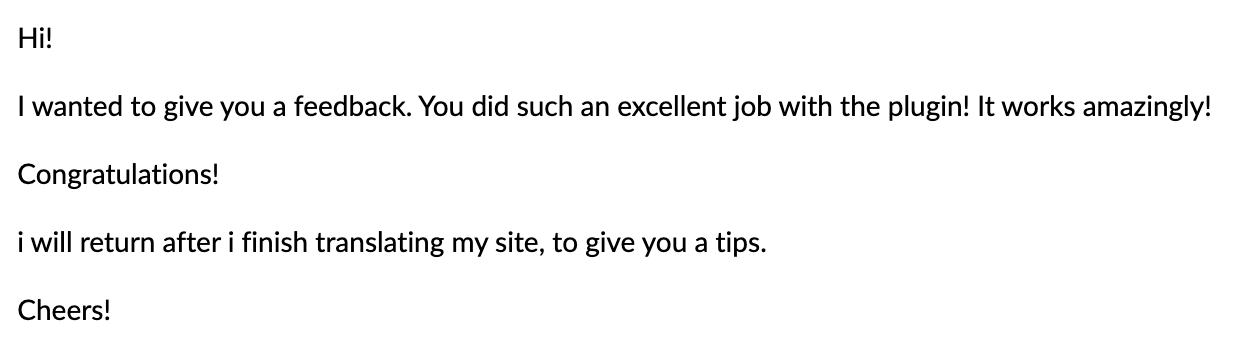
Real reviews from WordPress.org and feedback users sent us by email.
Check reviews on WordPress.org →









I'm Szymon
I've been coding for about 8 years, and honestly, I just enjoy sitting in my room and building things. Apps, plugins, side projects… especially the kind that make work easier, faster, or less annoying.
The first plugin started as an internal tool for another project of mine - Wishgram. We wanted to reach more people with our blog in different languages, but startup budgets are tight and premium auto-translation was way too expensive for us. So I built my own solution for automatic translations. After using it for a while, I realized how ridiculously good it was - and keeping it to myself just didn't make sense.
My goal is simple: build plugins that help people translate WordPress sites cheaply, quickly and with real quality.
Pricing


Works with Polylang and Polylang Pro
On Polylang Pro the plugin hands extraction and reassembly to Polylang's own export and translation services, so it stays in step with whatever Polylang supports. On free Polylang it uses its own walker built on exactly the same rules.
Frequently asked questions (FAQ)
Can't find what you're looking for? Reach out to support directly.
Do I need Polylang Pro, or is free Polylang enough?+
Free Polylang is enough. The plugin works on both editions. On Polylang Pro it additionally delegates extraction and reassembly to Polylang's own export and translation services, which keeps it in step with whatever Polylang supports; on free Polylang it uses its own walker built on the same rules.
Which page builders are supported?+
Elementor is fully supported, along with Gutenberg and classic content. Divi, Bricks, WPBakery, Beaver Builder and Oxygen are not supported yet - and rather than half-translate them, the plugin detects them and refuses the job with a clear message, so you never end up with a broken layout.
Do I need my own API key?+
Yes, for every engine except MyMemory, which needs no key at all. You provide your own key, and your content goes directly from your WordPress site to the engine you chose - OpenAI, Anthropic, Google or DeepL. The plugin author never receives, stores or processes your content. If you would rather not use an API key at all, MCP lets you translate from inside Claude or ChatGPT instead - see below.
Which AI providers can I use?+
Seven: OpenAI, Anthropic (Claude), Google Gemini, DeepL, Google Translate and MyMemory are free; a Custom endpoint (OpenAI-compatible) for any OpenAI-compatible API is Pro. Each engine keeps its own API key and its own model, so switching between them costs nothing in reconfiguration.
What is the Custom endpoint engine?+
Your own model, or any OpenAI-compatible API. Pick "Custom endpoint (OpenAI-compatible)" as the engine, give it an address and a model name, and the plugin translates through it - a model running on your own server, or a gateway such as OpenRouter or Groq. The API key is optional, and you enter what the model costs so the History page still shows real numbers. Activating this engine is a Pro feature.
Can I translate from a chat with Claude or ChatGPT (MCP)?+
Yes, in Pro. Connect your site once to Claude or ChatGPT, then ask the assistant to translate a post or page. It reads the content, translates it inside the subscription you already pay for - so there is no API key and no per-token charge - and publishes the result as a Polylang-linked translation. Every translation made this way shows a cost of $0.00 on the History screen.
What is Automatic translation and how does it work?+
A Pro feature that translates new content the moment it is published, without anyone opening the dashboard - built for importers, feeds or anything that posts through the API rather than by hand. You choose which post types and which target languages it covers, plus an optional daily limit on translations or spend, so an importer that misbehaves cannot run up a bill overnight. Editing something already published never triggers it.
What does it cost to translate my site?+
The licence plus whatever your chosen engine charges for what you actually use. There are no credits, no per-word markup and no character limits imposed by the plugin - you pay the provider's raw API rates, or nothing at all if you translate through MCP or MyMemory.
What happens if I close the browser mid-translation?+
Nothing. Jobs are queued on your server and submitted to the AI engine in the background, so the run continues without you. If your site itself has a hiccup, the queue resumes.
Can I re-translate content I have already translated?+
Yes. Every language stays selectable on the list, with a tick when it is done and a warning marker when the translation is older than the original. Re-running replaces the translation and keeps the same linked post.
Will it overwrite edits I made to a translation by hand?+
Only if you deliberately re-translate that language. Re-running a translation rebuilds it from the source, so manual edits to that language are replaced - translate first, polish afterwards.
Are AI translations accurate enough to publish unreviewed?+
We recommend reviewing before publishing. Output from a modern language model - GPT-5, Claude or Gemini - is strong, and a glossary plus a website-context description improves consistency a lot, but it is still machine translation.
How does licensing work?+
Licences are domain based - one licence, one domain - in packages of 1, 2, 5 or 10 domains, billed yearly.
What is the "fallback version"?+
The fallback version is the latest version of the plugin available at the moment your subscription started. If your subscription expires you can keep using this version indefinitely, but without updates or support. The plugin is never disabled.
Is my content sent through your servers?+
No. All requests go straight from your site to the API of the engine you chose, using your own key. Translations live in your WordPress database and logs stay on your server.
What if a some elements is not translated?+
Write to us, and we'll do our best to add support for these elements within 2 days.
Do you offer refunds?+
Yes. Every paid plan comes with a 14-day money-back guarantee. If the plugin is not right for you, email szymon.zawadzki@llm-automatic-translation.top within 14 days of purchase and we will refund the licence fee in full, no questions asked. The refund covers the plugin licence only - API costs you paid directly to OpenAI, Anthropic, Google or DeepL are billed by those providers and are not refundable by us.
Translate your Polylang site this afternoon
Add your API key, pick your languages, queue the site and close the laptop.
Get plugin